SHIPSTATION WMS
Optimize and extend your ShipStation account with a full inventory, warehouse, and fulfillment system wrapped into one
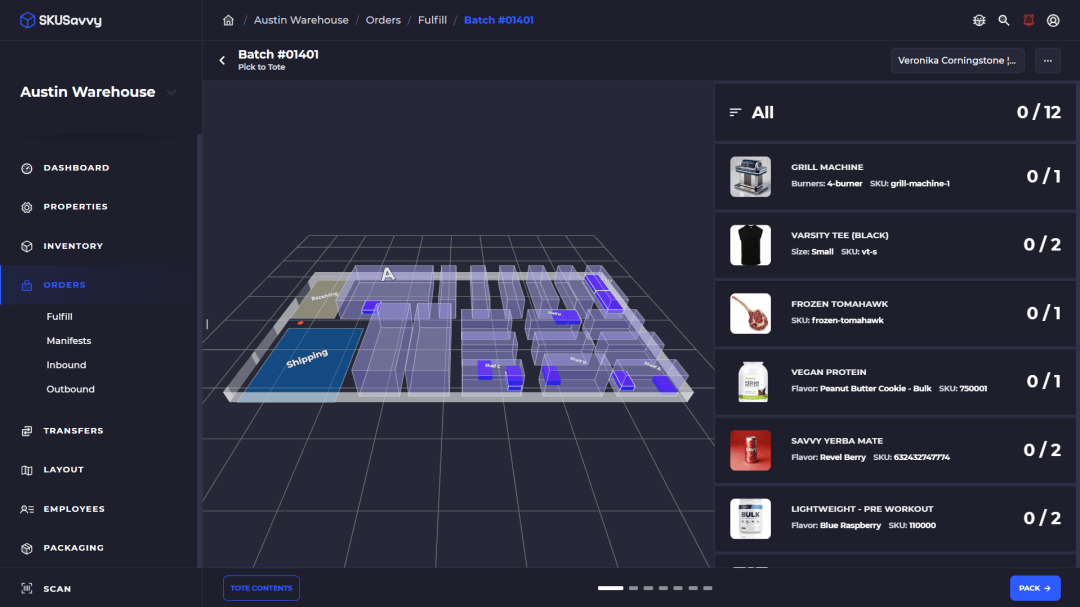
Warehouse Management
All your bin locations on a 3D map to quickly find your inventory, map a pick route, count inventory or organize labor
Inventory Control
Setup replenishments between bins, move inventory based on heatmaps, organize stock for efficient operations on any device
ShipStation Fulfillment
Pick your orders faster using pick to tote organized on a visual map of your warehouse to find every item easy. Built for high volume!
What is ShipStation WMS?
A new product developed by ShipStation to help merchants with inventory and warehouse management that extends the functionality of the classic ShipStation system. SKUSavvy is integrated natively with ShipStation API to create an enhanced WMS for any merchant running ShipStation to control their entire warehouse, across different order channels, and on any device. Which ShipStation WMS is the best? Arguably SKUSavvy is the best WMS for Shopify stores whereas simple operations that have small SKU counts and limited order volume may be advantaged by using the simple ShipStation WMS app. What can you expect from the best ShipStation WMS? You'll get all the tools necessary to operate your business from purchase orders and check-in flow, inventory management, bin locations, order management, and batch fulfillment down to the cycle counting, forecasting, vendor control, and labor management with task assignment.
ShipStation WMS Features
Warehouse
3D warehouse layout and task automation to get the most efficient warehouse management and easy operation
3D WarehouseInventory
Fully optimized inventory management with bin replenishment, visual bin locations, and streamlined forecasting
InventoryPurchases
Get automated PO creation based on demand, lead time, mix/max values. Included mobile check-in and visual bin allocation
Smart PurchasingOrders
All your orders seamlessly synced in real-time with edits, tags, split fulfillments, and channels brought over to your account
Order ManagementFulfillment
The fastest order fulfillment available with smart batching, pick-to-tote, and mobile pick routing for high volume stores
Mobile FulfillmentAccessDeniedShipping
All your carrier accounts connected natively within one account to rate shop and print labels easily — see the broader shipping and fulfillment software lander for rate shop, Autopilot rules, and tracking around ShipStation-connected labels. Automated box sizing for simplified packaging.
shipping and fulfillment softwareShipStation WMS Benefits
Central Warehouse Management
Centralize your warehouse operations with comprehensive tools that handle everything from stock check-in to order shipping. Unlike basic inventory systems or standalone shipping apps, a Shopify WMS integrates multiple crucial functions into a single platform, eliminating the need to switch between different applications.
Real-Time Inventory Tracking: Stay updated with accurate inventory levels, preventing stockouts and overselling
Automated Order Fulfillment: Streamline order processing with automated workflows that boost efficiency and reduce errors
Purchase Order Automation
A robust WMS should have comprehensive purchase order management capabilities. SKUSavvy offers features to create detailed purchase orders, communicate seamlessly with vendors, customize PO templates for easy vendor distribution, and efficiently check-in inventory from POs, with the ability to track and record any discrepancies. This way, you can effectively manage your suppliers and streamline your purchase order processing.
We automate purchase order forecasting and creation of on-time vendor orders through a self-service vendor portal.
Costs and vendor level information are synced with Shopify for purchase order creation, and updated Shopify information is provided.
Check-in and Inventory Allocation
The most robust Shopify WMS will be able to replace the default purchase order portal, which will give you access to more sophisticated tools for organizing and efficiently adding new inventory to your warehouse. You'll be able to automate stock receiving and effortlessly assign storage locations. It should also offer comprehensive bin management features that make it simple to determine the best storage locations for new inventory among your existing SKUs and help you get the most from your warehouse space.
Rapid barcode scanning and detection for accurate inventory
Visual bin locations for dynamic or stating slotting during check-in
Multiple units and bundle products can be easily converted
Automate Stock Replenishment & Control
A comprehensive WMS is necessary to maintain optimal stock levels and prevent inventory shortages. A fully integrated WMS for Shopify should support all aspects of inventory management best practices. Some examples of best practices are: the ability to replenish picking bins from holding stock bins, manage relationships between kitted items, accurately track which bins contain specific products, and monitor stock replenishment levels to avoid disruptions in order fulfillment.
Real-time inventory updates and alerts to and from Shopify
Clear bin location management of inventory
Bin to bin stock replenishment
FIFO stock management
Automated replenishment based on sales trends
Order Management and Fulfillment
Order management for a Shopify store can impact workflows for order placement in the fulfillment queue, so your WMS should have the capacity to handle this. A strong WMS should also have two-way sync for orders, tags, customer addresses, edits, and shipping information. Furthermore, order processing should be enhanced by flexible picking methods and in-platform order management.
Support for single, batch, and pick to tote methods
Real-time order update sync
Order prioritization and automation of fulfillment decisions
Customizable workflows to suit business needs
3D Picking and Automated Fulfillment
A top-tier ShipStation WMS will streamline the entire picking process by organizing orders and suggesting the most efficient route through the warehouse, minimizing travel time and maximizing picking efficiency. To optimize your picking and packaging process to shorten fulfillment times, use methods like batch picking, single order picking, or zone picking to handle different types of orders effectively. Additionally, the system should assist in selecting the appropriate packaging based on the products in an order, ensuring that items fit correctly and securely, reducing packaging waste and shipping costs.
Integrated scan points for pick & pack accuracy
Package sizing suggestions
Intelligent 3D pick path routing
Integrated Shipping
Simplify shipping by incorporating carrier options into one streamlined fulfillment system. The system must include a built-in integration for each carrier to eliminate the need for external applications. It should also integrate with major carriers to access shipping rates and labels directly from the fulfillment workflow. This would streamline operations and minimize the time needed for shipping logistics.
Real-time order status and tracking updates to Shopify
Carrier rate comparison to optimize shipping costs
Automation of rate selection and shipping priorities
100+ carriers directly integrated
Smart Counting and Barcoding
The ShipStation WMS needs to help ensure inventory accuracy with regular audits and barcode technology. It should also include tools to keep inventory values accurate, especially when discrepancies occur. Implementing cycle counting can help to perform continuous inventory audits without halting operations. This will also ensure stock levels are consistently verified. A WMS with integrated barcode scanning enhances accuracy and efficiency by supporting multiple barcode formats to streamline tracking and reduce manual errors.
Simplified cycle counting for inventory health
Barcode scanning for real-time stock updates
Integrated barcode scanning options
Analytics and Reporting
A strong WMS integration with Shopify enables real-time data flow. Comprehensive reporting capabilities are critical because they provide valuable insights into inventory performance and operational metrics, allowing you to identify areas for improvement, optimize processes, and make data-driven decisions to enhance Shopify performance.
Connectivity with ERP, CRM, and accounting software
Custom reports for performance analysis and decision-making
Forecasting and Replenishment
ShipStation WMS' forecasting allows you to maintain the optimal inventory level and keep your warehouses moving. You can forecast your sales velocity based on lead time, on-hand inventory, and the maximum allowable inventory levels. You can also utilize forecasting to replenish stock in stores. This tool can also minimize the time spent on assembling purchase and transfer orders.
Accurate forecasting across multiple locations and across vendors
Data driven insights that update based on your own data
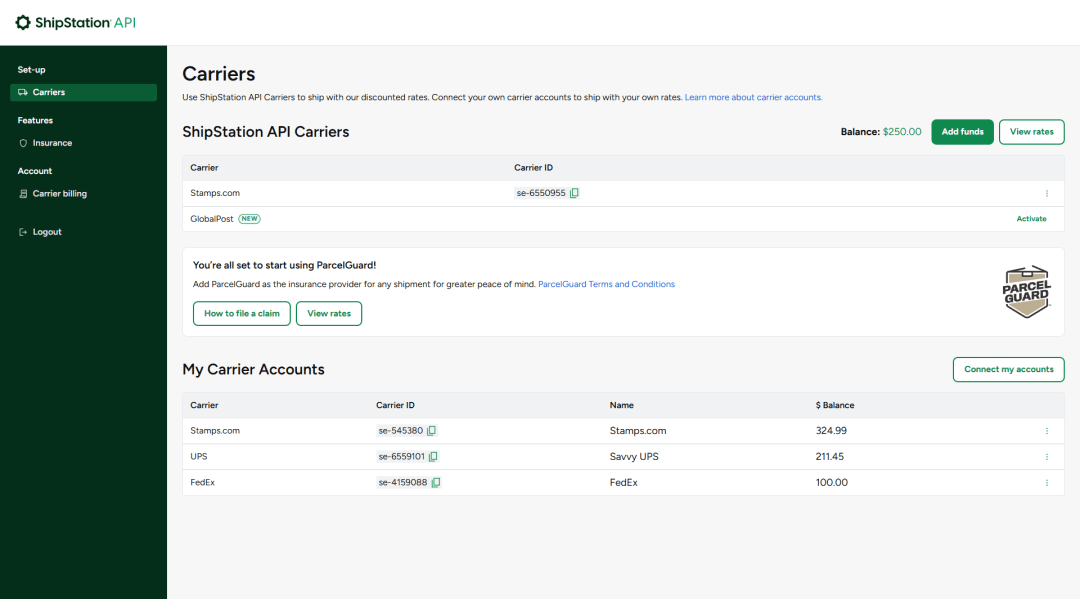
The Best ShipStation WMS
Best not to chance it when it comes to your core operations. Get the best WMS for ShipStation with SKUSavvy. Operate efficiently, organize your entire warehouse network and fulfill orders faster than ever.
Rate Shopping
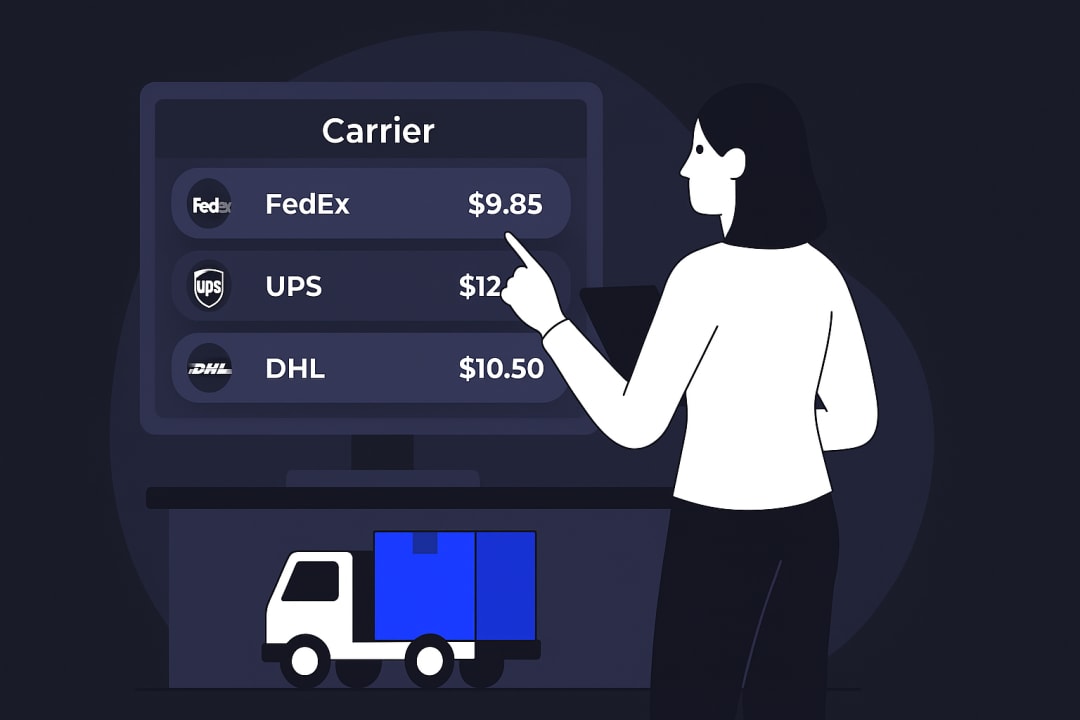
Connect your own carrier accounts to pull rates directly within SKUSavvy then compare across carriers for simplified rates shopping directly during fulfillment
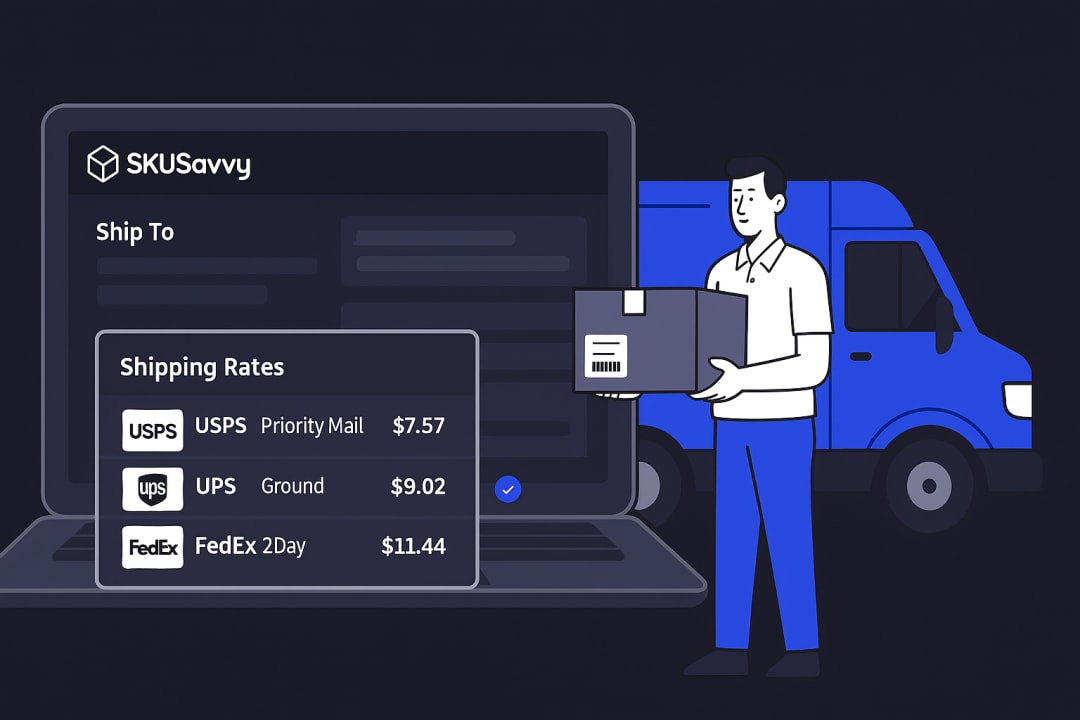
Group-rate Carriers
Get the best rates by using group-rate accounts which have economies of scale so you can get the rates the largest companies have which work seamlessly
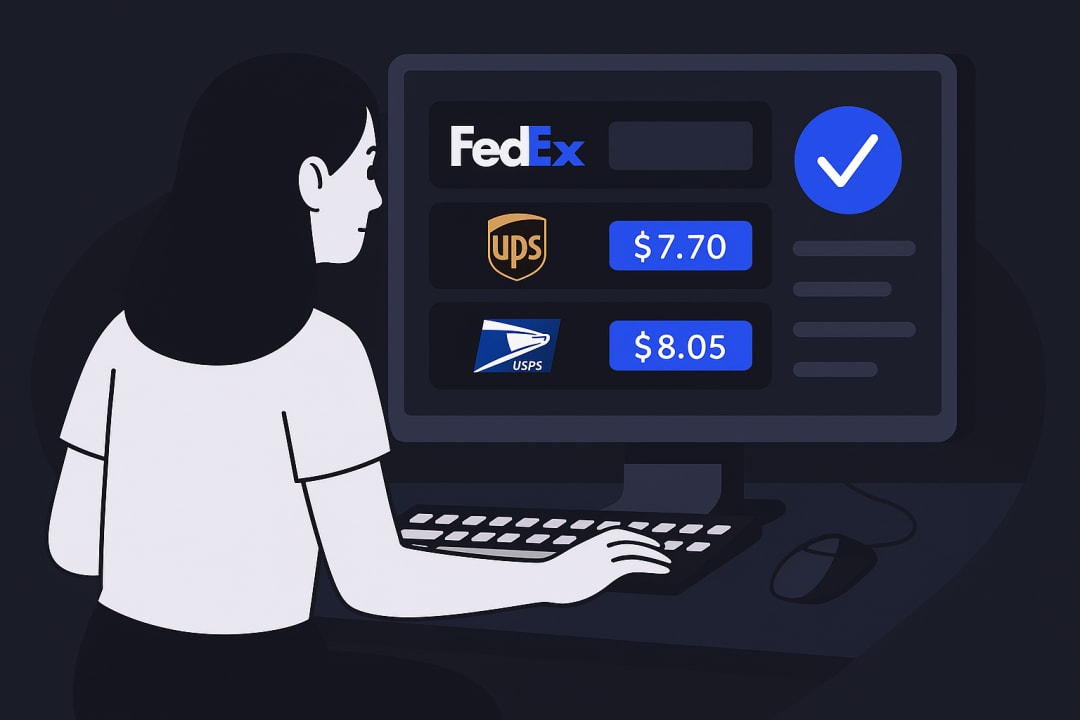
Rate Automation
Align rates with your carrier services so your fulfillment team knows exactly which rate should be utilized for each order coming through the system
International Shipping
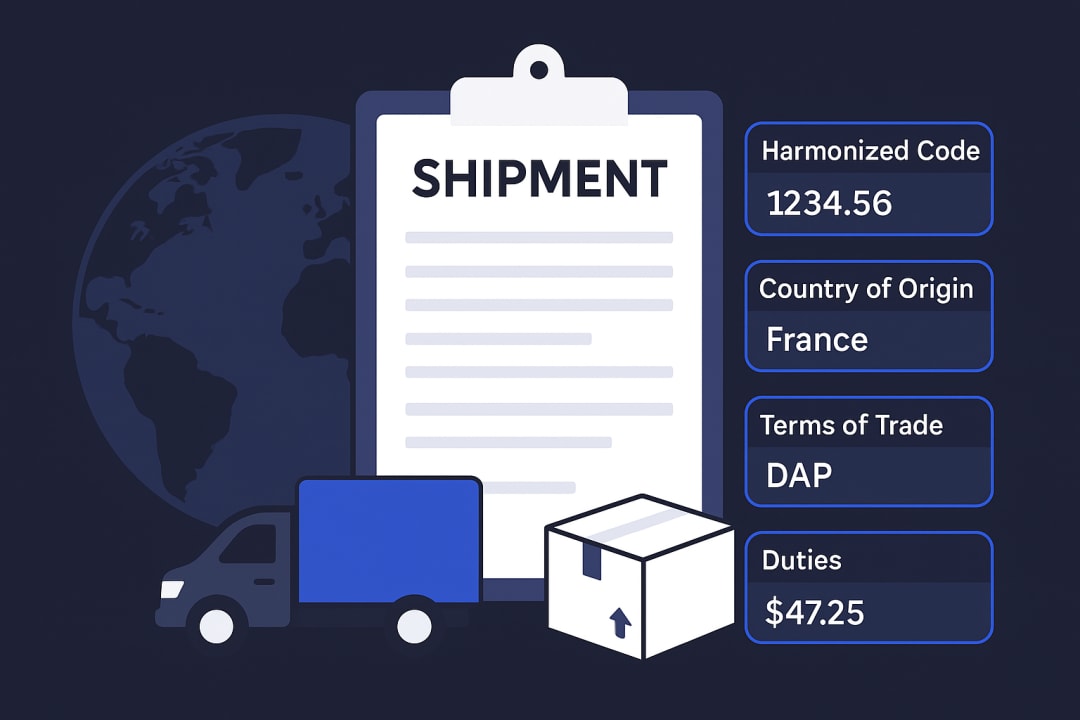
Ship to any country with all the necessary details needed for your orders to make it there securely. Harmonized codes, country of origin, terms of trade, and duties
Automated Packaging
SKUSavvy calculates your package size requirements to present the best possible package sizing. Over time SKUSavvy saves previously shipped order package sizes for complete automation

Hazardous Goods
Send hazardous goods through the mail with necessary hazardous codes and classifications all sent automically to the carrier with necessary prints for your hazardous packages.