PRODUCT UPDATES · JUN 23 – SEP 22 2026
Savvy Summer Updates
Four months of operator-facing work across products, POs, inventory, picking, shipping, reports, scanners, and settings. Curated highlights — not every changelog line.
Compiled from the published changelog / merged product changes Jun 23–Sep 22 2026. Features depend on version deployed to your account. Source:published changelog
Products & Shopify
Kits, bulk edit, locations, packing slips.
POs & vendors
Landed costs, receiving, vendor email.
Inventory & replen
Min/max, ABC, putaway, cycle counts.
Pick, pack, transfers
Scan picks, batches, SLA queue.
Shipping & returns
Return labels, carriers, Autopilot.
Reports & exports
Warehouse rows, serials, date controls.
Scanners & scales
Guided setup, diagnostics, USB scale.
Settings & API
Custom fields, webhooks, GraphQL.
PRODUCTS & SHOPIFY
Catalog and store sync that matches how you actually run
Summer work tightened kit quantities, cost direction, bulk edits, location visibility, and restock recovery — the daily Shopify spine operators touch.
Kit availability follows what you can actually assemble — not a stale static number on Shopify.
Push or pull unit cost between SKUSavvy and Shopify so finance and floor stay on the same basis.
Change many SKUs at once instead of opening cards one by one when a season resets.
Substring search catches the middle of a title when the prefix is not what you remember.
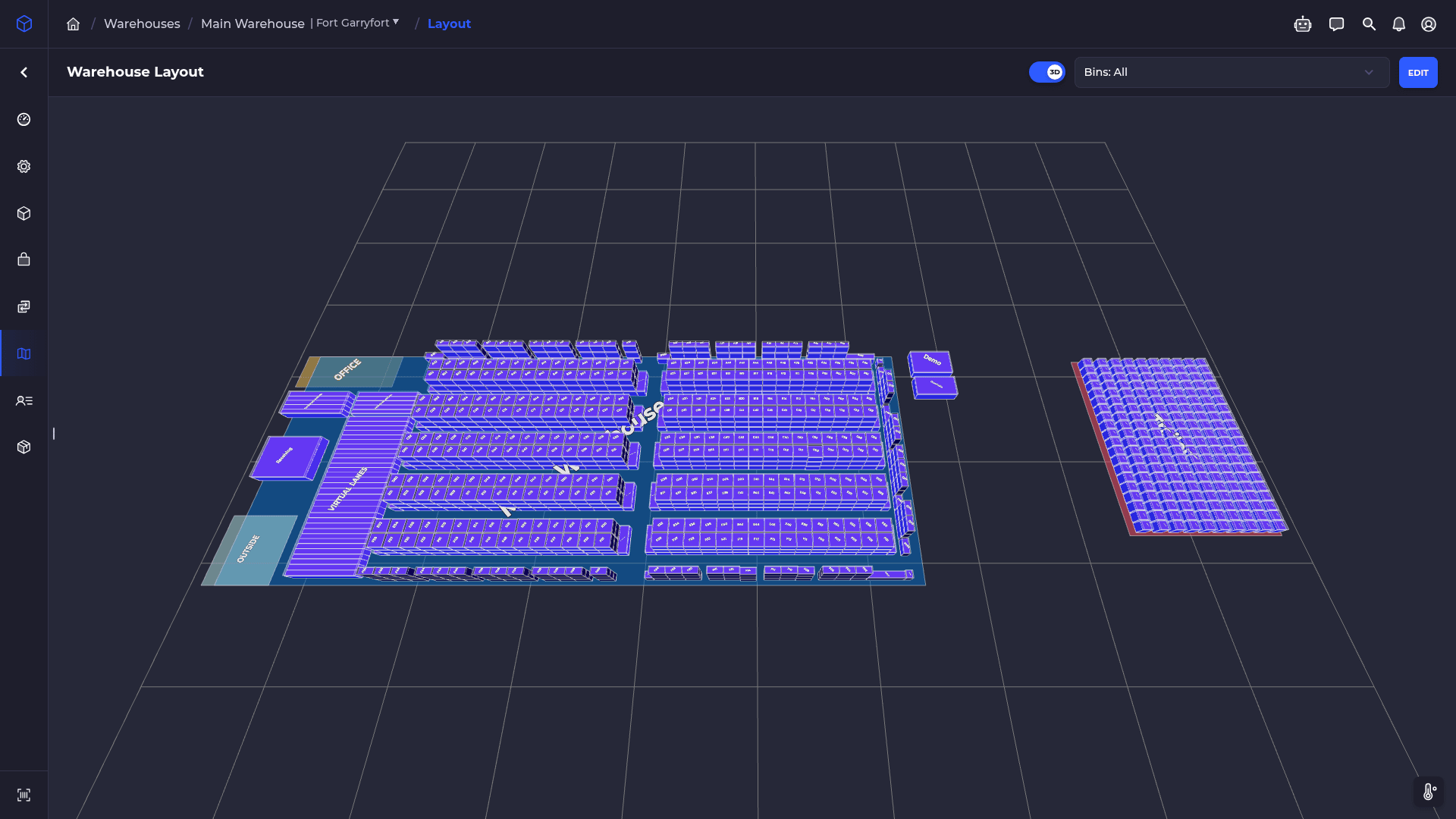
See locations and warehouses in one view; name and color each store so multi-store ops stay readable.
Packing slips follow the store that owns the order — not a one-size template for every brand.
When a refund should have put stock back and did not, recover the restock without a manual workaround.
PURCHASE ORDERS & VENDORS
Purchase orders & vendors
Landed costs, receiving exceptions, and vendor email that tells you why it failed — not just that it failed.
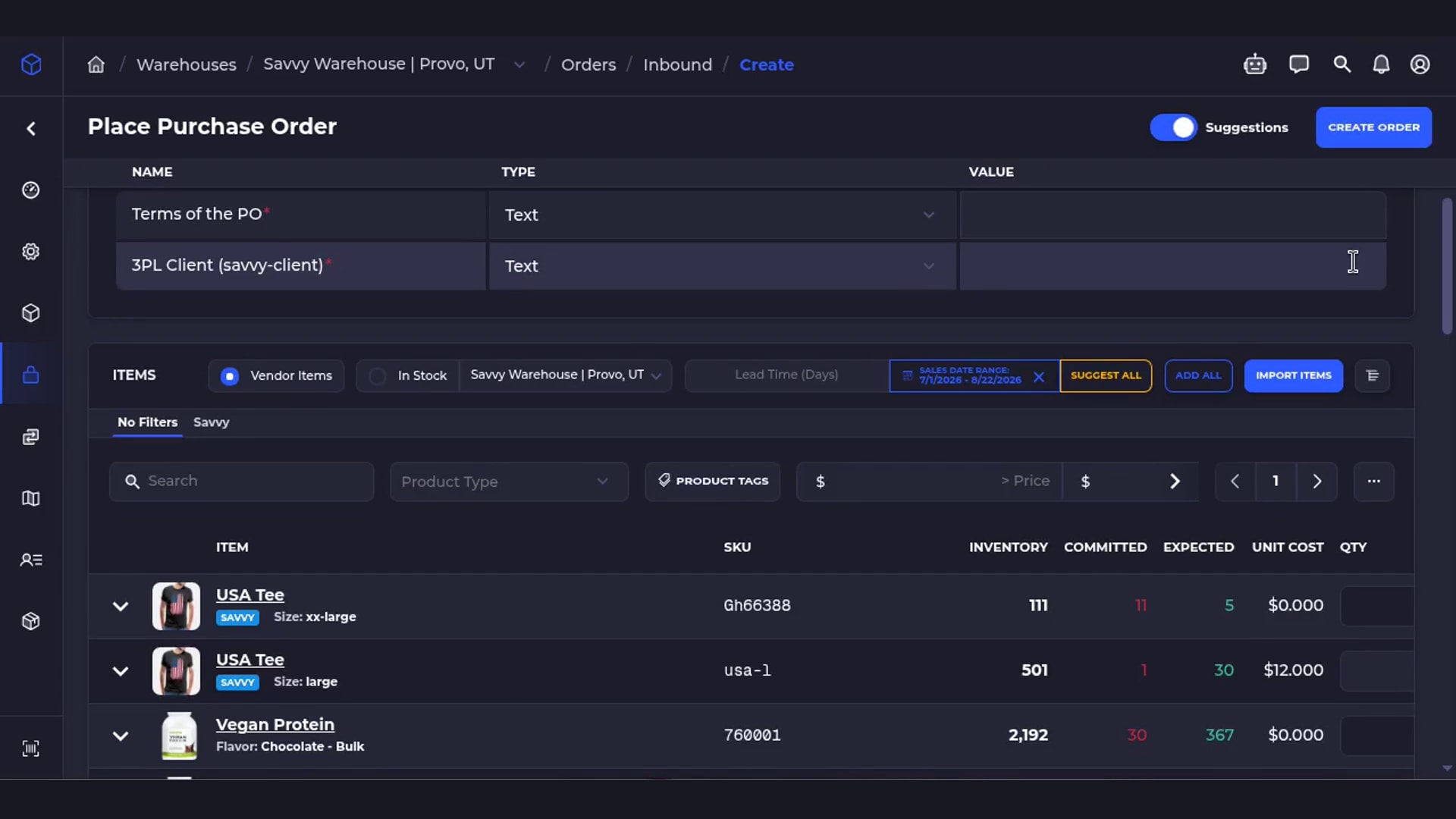
Spread freight and extras across the PO so true unit cost lands before the next buy decision.
Stage expected costs ahead of arrival so receiving does not invent numbers on the dock.
Review what the vendor proposed, then accept into your PO flow without retyping lines.
When the pallet includes SKUs that were not on the order, receive them without abandoning the check-in.
Imports keep vendor costs and display them at the correct scale — margins and retail stay intact.
Reverse a finished receive when the dock got it wrong, instead of living with bad on-hand.
Clear blockers before you hit send — plus multi-email import and warehouse names on the PO.
INVENTORY & REPLENISHMENT
Min/max, ABC, putaway, and counts that survive the dock
Summer inventory work is about trusting suggestions, staging putaway, counting the right lot, and recovering stock before you write it off.
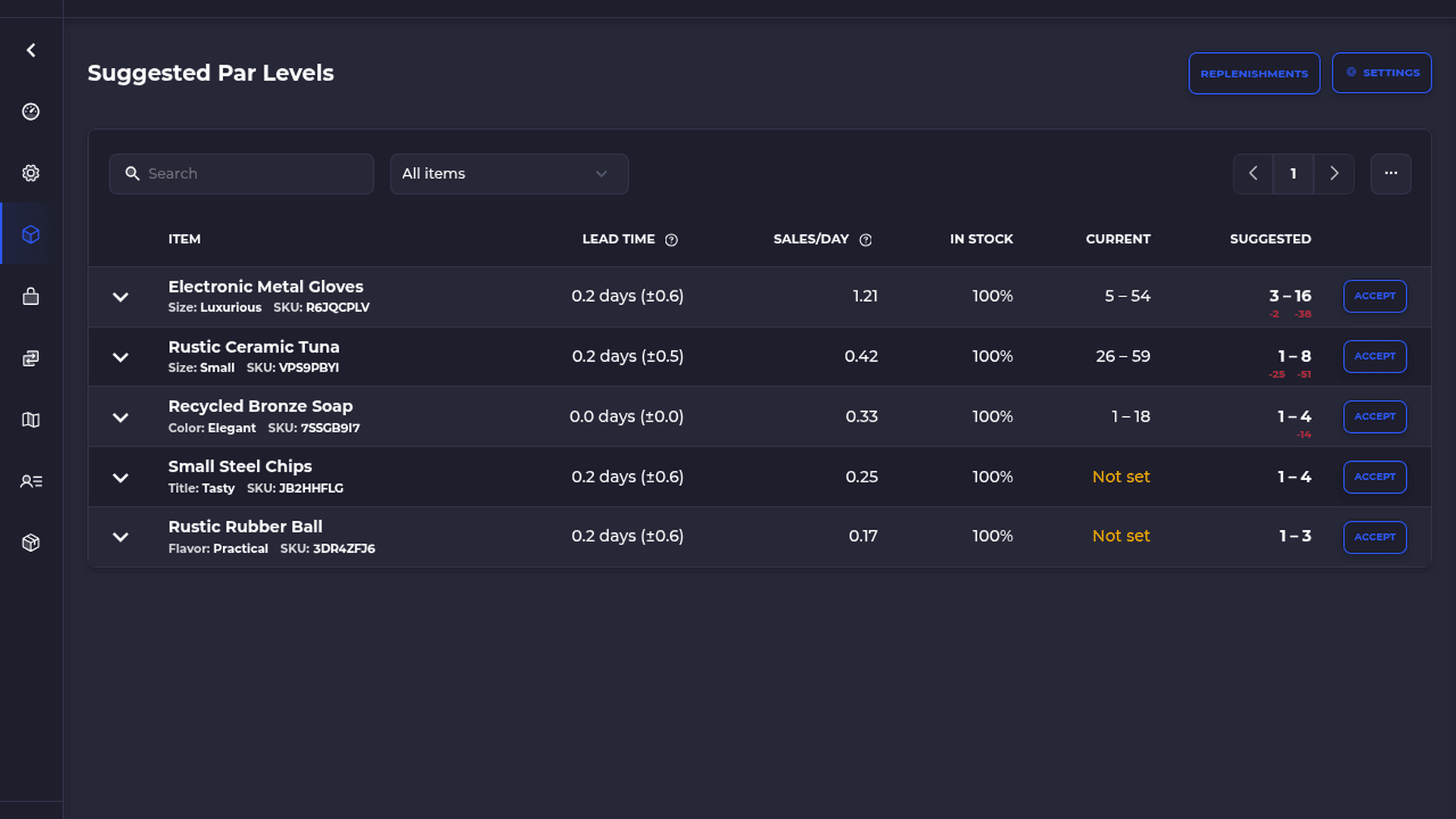
Suggested min/max are reviewable — then tune replenishment suggestions so the next buy matches your floor.
ABC tiers and replen share one sales window so classifications and suggestions stop disagreeing.
Open backorders feed the forecast instead of disappearing until you stock out again.
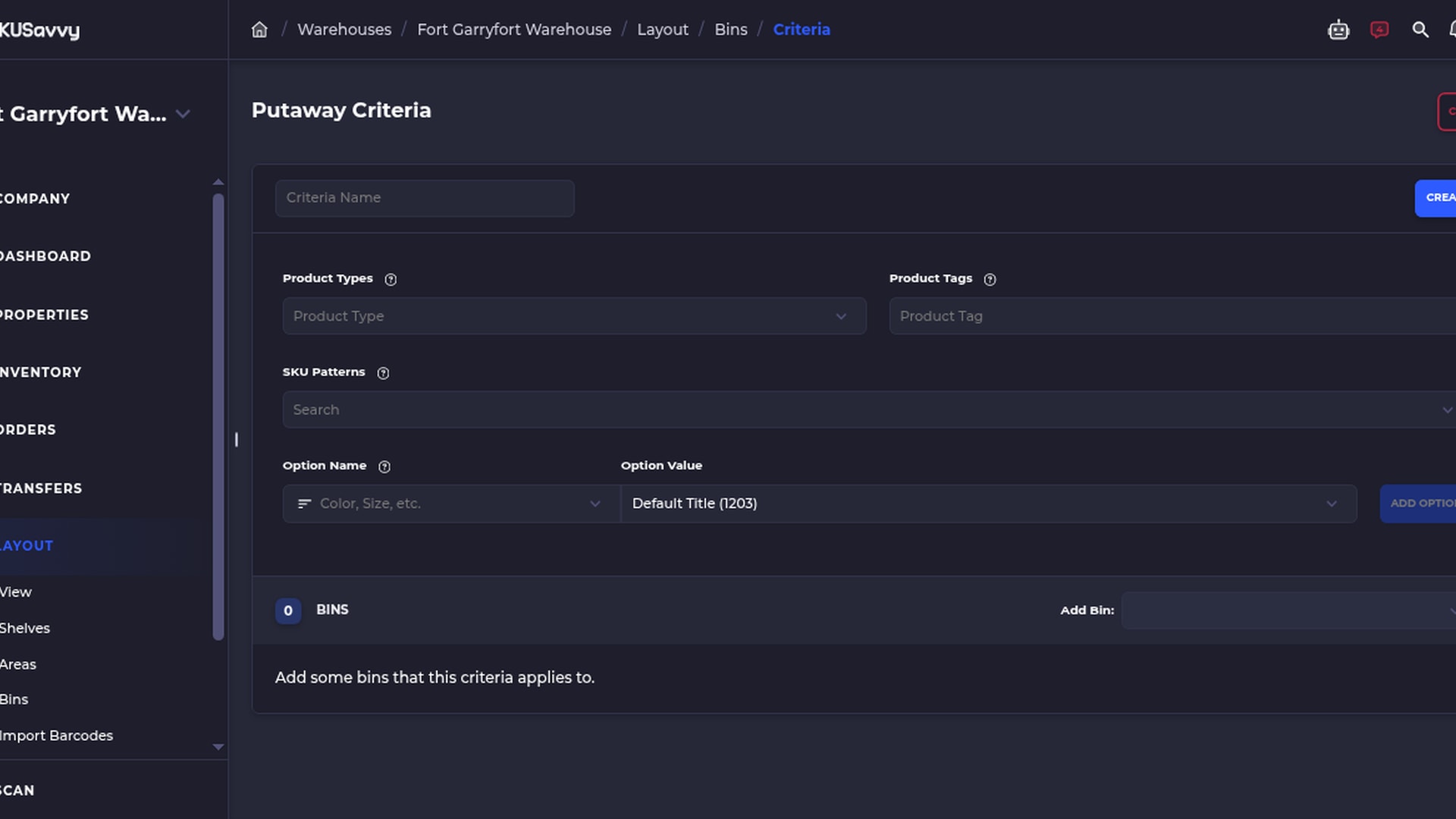
Putaway can stage before final bin so inbound does not dump into the wrong aisle under pressure.
Count by product, match types case-insensitively, and scan the correct lot when lots matter.
Preview stock removals before import, add stock back to an empty bin, and review unrecoverable rows before write-off.
See assemble progress on kits and unpick ingredients when a build needs to reverse.
PICKING, PACKING & TRANSFERS
Scan truth on the floor — batches, queues, and transfers
Pick count per scan, workflow verification, batch controls, SLA-aware outbound, and multi-box transfer receiving.
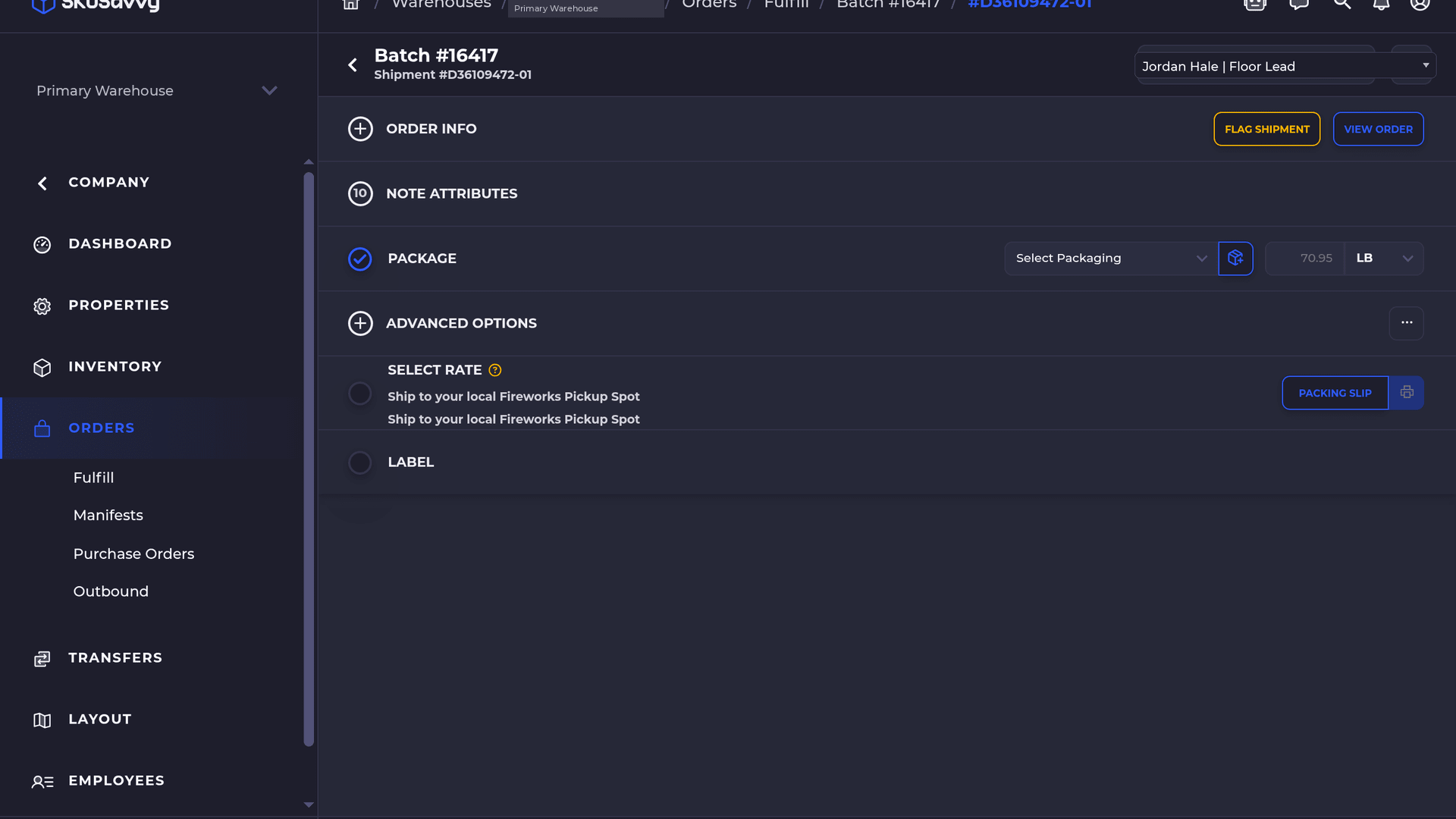
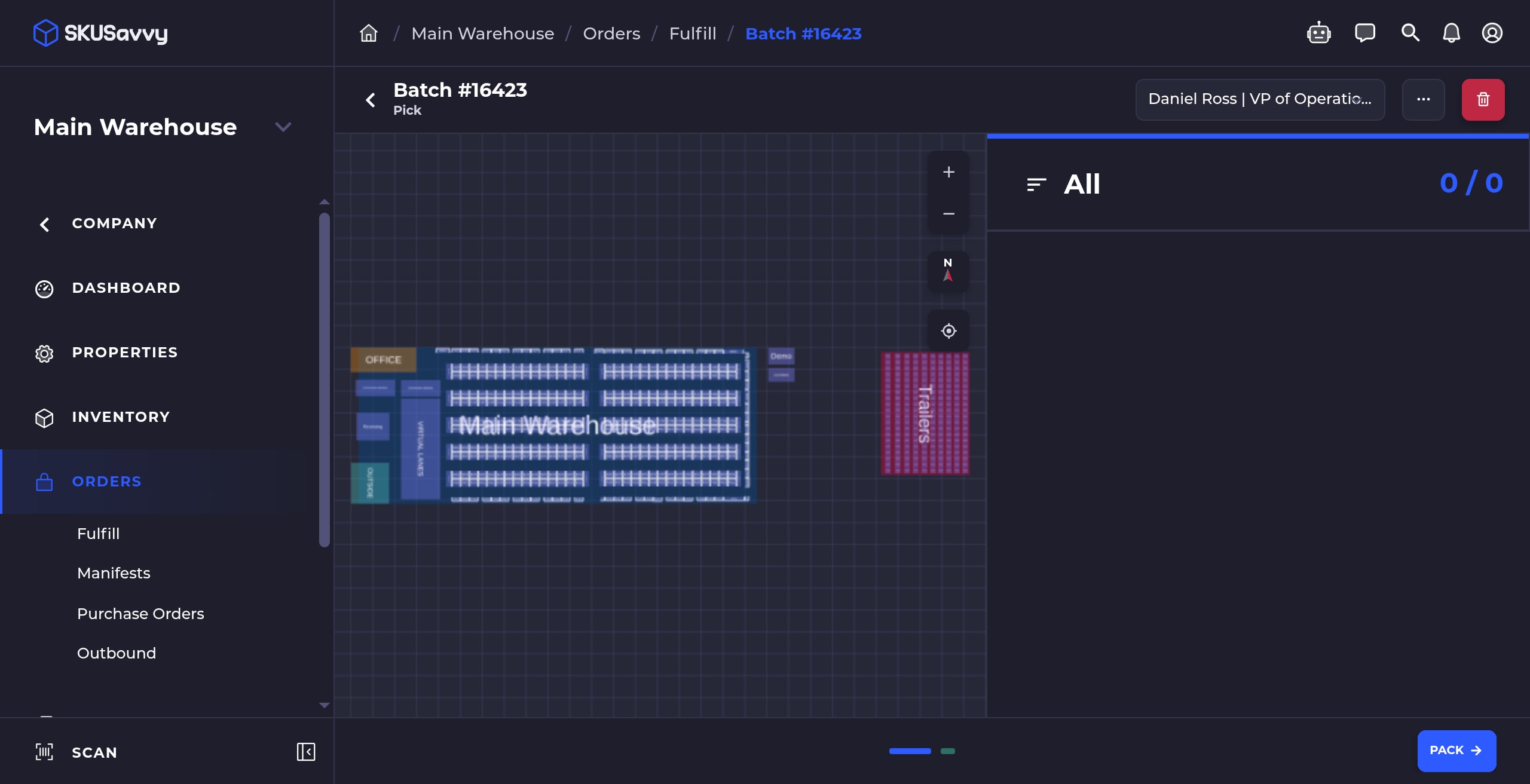
Count picks one scan at a time
Each scan increments the pick count — verification stays honest when the cart is moving fast.
Verification rules per workflow
Different workflows get different scan rules so pack verification matches how that lane actually ships.
Batch search, max size, combine
Search inside a pick batch, cap how large a batch can grow, and combine batches when the floor needs fewer carts.
Outbound queue by status + ship-by SLA
Queue outbound work by status and ship-by SLA so late orders surface before they miss the carrier cutoff.
Multi-box transfer receiving
Receive transfers across multiple boxes and match bins to the correct warehouse — label choices stick for the next receive.
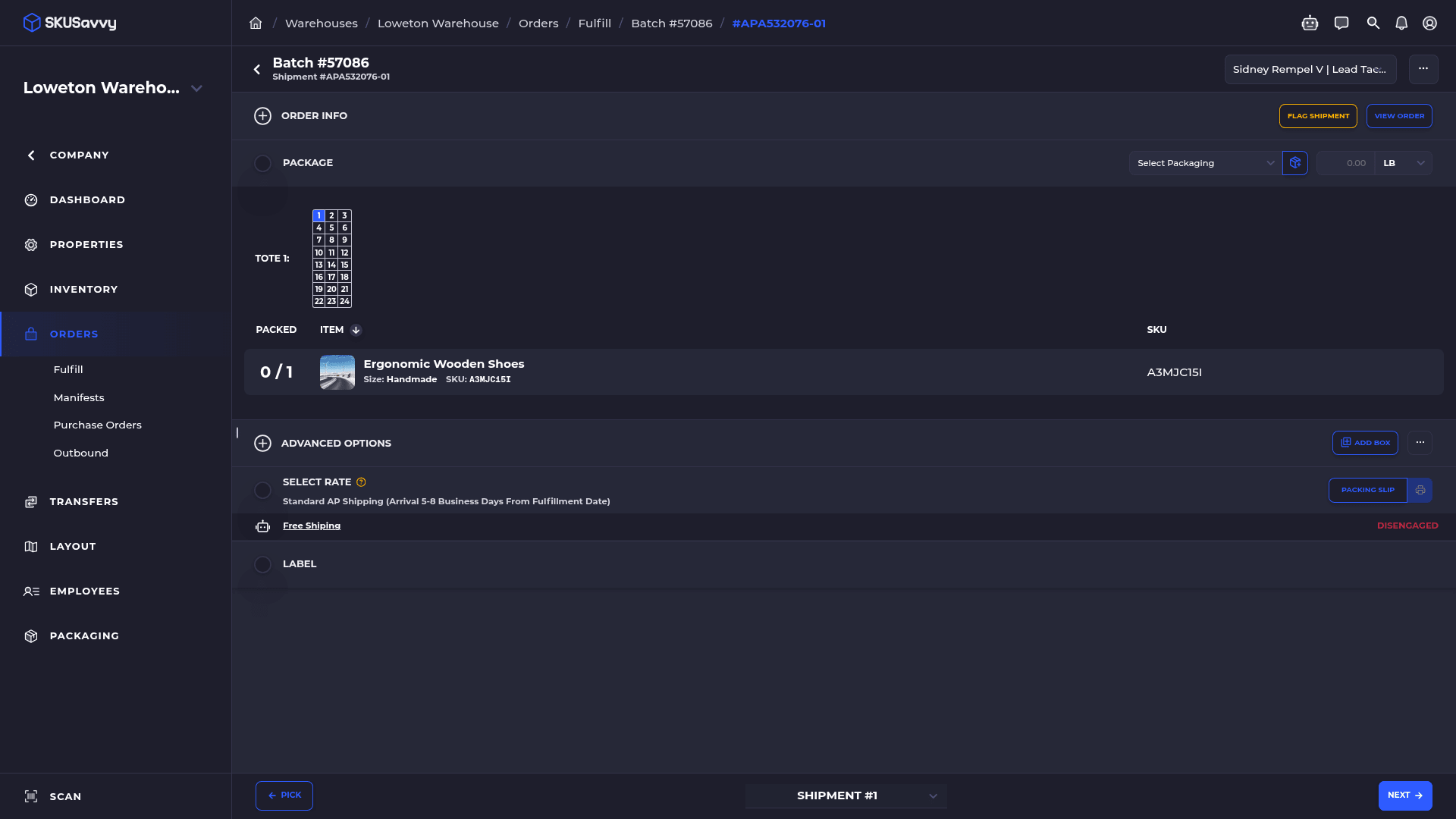
Route shipment scans to the right workflow
Shipment scans land in the workflow that owns them, including ready-for-pickup fixes when the handoff was wrong.
SHIPPING & RETURNS
Shipping carriers & returns
Return labels from the order, Shopify returns in SKUSavvy, custom carriers, and Autopilot that explains excluded rates.
Generate a return label on the order and adjust return parcel weight when the box is not the outbound size.
See Shopify return activity where warehouse ops already live — fewer tab hops to decide restock vs inspect.
Wire a custom carrier when the account needs a path outside the default set; Modify Carriers opens ShipEngine when you need it.
Voided the wrong label? Buy the replacement without rebuilding the shipment from scratch.
Validate the address before you spend the label — fewer carrier rejects after the carton is sealed.
Advanced Autopilot options and clear reasons when a rate is excluded, plus carrier costs visible per order.
REPORTS & EXPORTS
Exports that finance and ops can actually reconcile
Warehouse-scoped inventory rows, split date/time, serials, movement filters, and date controls that behave.
One inventory row per warehouse
Inventory exports stop collapsing warehouses into a single ambiguous line.
Open in SKUSavvySeparate date and time columns
Date and time split so pivots and timezone math stop fighting a single timestamp cell.
Open in SKUSavvyAccurate PO totals + currency precision
PO totals and currency precision match what you expect when you reopen the order.
Open in SKUSavvySerial numbers on exports
Serials travel with the export when you need them for warranty, recall, or finance audit.
Open in SKUSavvyMovement locations and filters
Movement exports include locations and filters so you can isolate a bin or aisle without a second tool.
Open in SKUSavvyBetter report date controls
Report date controls behave more predictably when you slice a month or a shift.
Open in SKUSavvy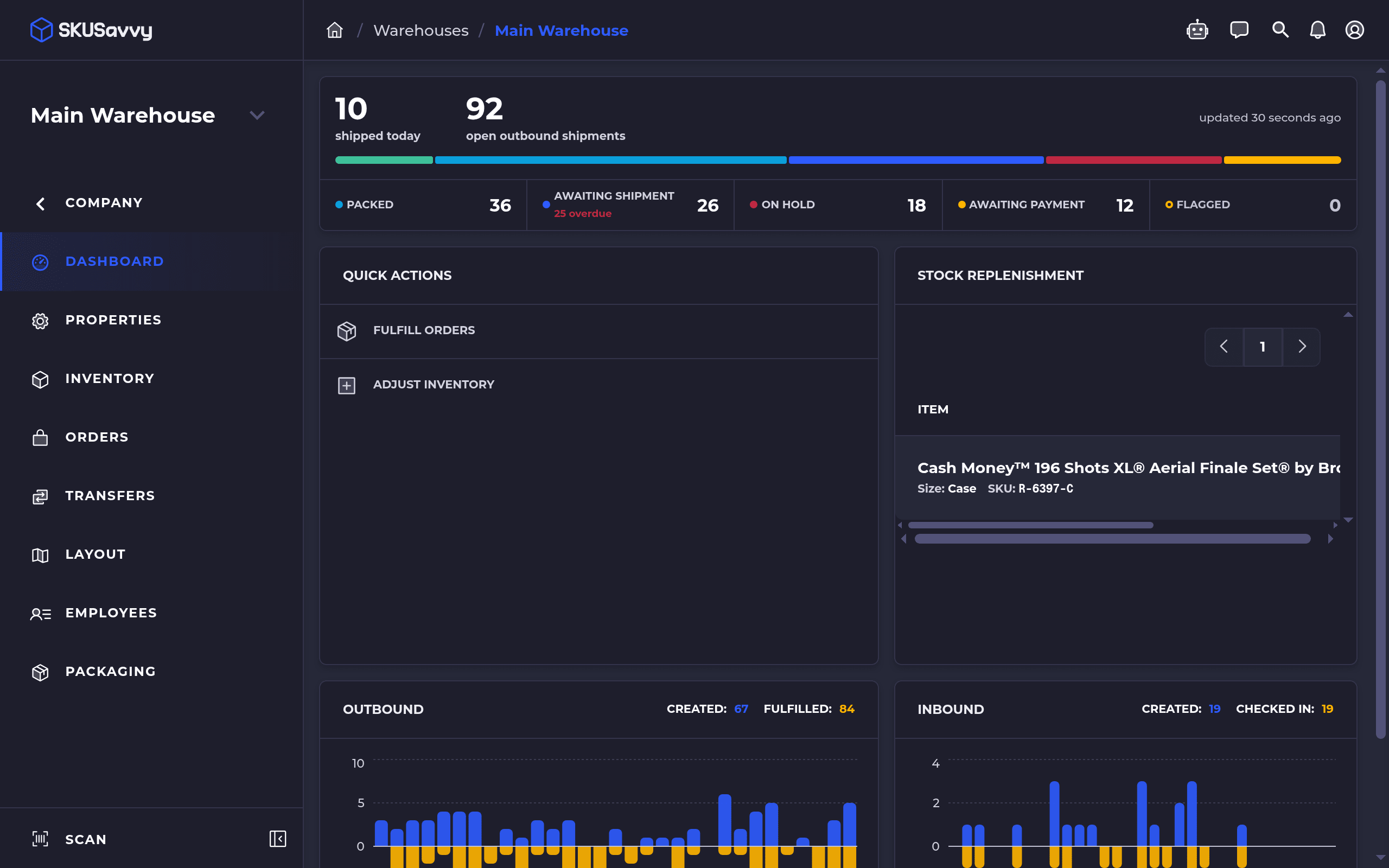
SCANNERS & SCALES
Hardware setup that fails less on day one
Guided scanner setup, barcode diagnostics, Enter that no longer submits forms by accident, per-login opt-out, and USB scale Setup beta.

Guided scanner setup
Walk hardware through setup instead of guessing HID vs keyboard wedge on the floor.
Open in SKUSavvyTest formats + diagnostics
Probe barcode formats and run diagnostics when a scan looks right but the field stays empty.
Open in SKUSavvyEnter no longer submits forms
Scanner Enter stops accidentally submitting the form mid-scan — counts stay intentional.
Open in SKUSavvyPer-login scanner opt-out
Turn off hardware scanner behavior for a login that should stay keyboard-only.
Open in SKUSavvyUSB shipping scale Setup (beta)
USB shipping scale Setup beta for stations that weigh before they buy the label.
Open in SKUSavvySETTINGS & INTEGRATIONS
Settings, custom fields & integrations
Find settings faster, put attributes and custom fields where operators need them, recover webhooks, explore GraphQL.
Find the settings group you mean without scrolling the whole tree every time.
Surface Shopify order attributes in table views so ops filters match what the storefront sent.
Custom fields on outbound orders and transfers — plus custom product fields while creating orders.
Lookup by tracking when the customer only has the carrier number and not your order ID.
Clean up saved views; hidden filter count stays visible so you know a view is still constrained.
Recover a failed webhook endpoint, and use the GraphQL API explorer when you are wiring an integration.
Run the summer build on your floor
Start a trial and see these updates on your account version — or talk to us if you want a walkthrough of replen, picking, or returns.