SKU-based inventory for Shopify floors
Default unique mode tracks each variant separately — even when SKUs match — so the same physical item drifts across listings. SKU-based mode (global inventory / SKU pooling) makes the SKU the inventory unit: shared counts, bins, and costs, with demand rolling up for forecasting. Owner opt-in. Irreversible. About $179/mo for the first order band. 30-day trial.
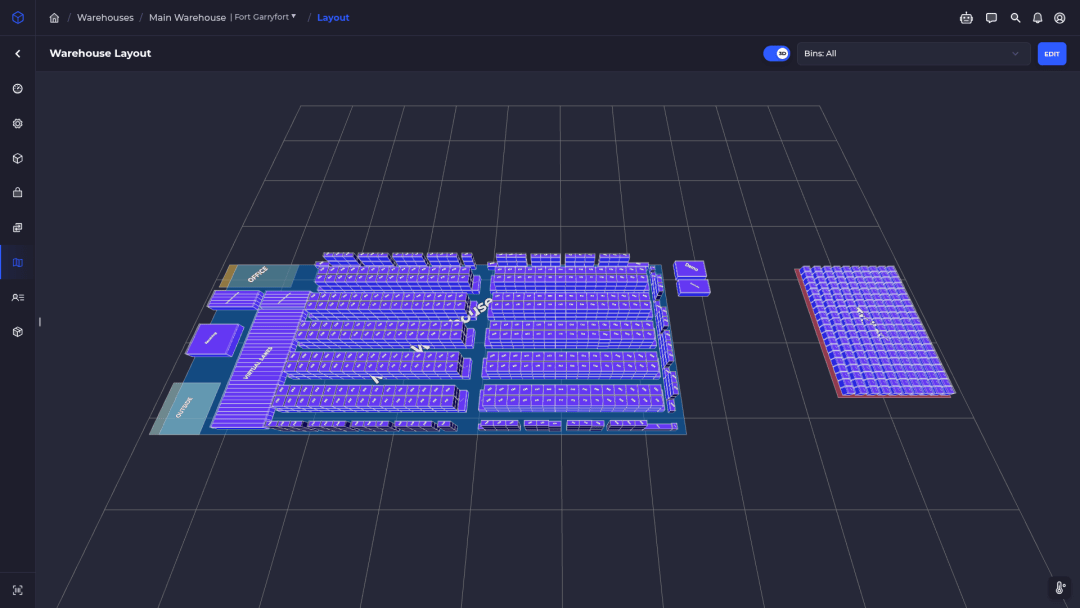
One pool per SKU
Matching SKUs share On Hand instead of parallel variant counts.
Shared bins & costs
Counts, bin locations, and costs consolidate on the SKU.
Demand rollup
Sales from every listing feed one velocity / reorder signal.
Multi-catalog ready
Same SKU across listings and connected stores stays one physical pool.
Benefits of SKU-based inventory
When the same physical SKU sells under multiple variants, listings, or stores, unique mode splits one real pool into counts that drift. SKU-based mode keeps one On Hand.
Stop listing drift
Unique mode gives every variant its own count even when SKUs match. SKU-based merges those variants onto one InventoryItem so parallel listing counts stop fighting each other.
One On Hand per SKU
Matching SKUs share a single On Hand pool. Floor and channel truth point at the same number instead of three drifting ones.
Shared bins once per SKU
Bin locations consolidate on the physical item. Put the SKU on a Warehouse shelf once — every listing that shares it reads the same bins.
Shared unit costs once per SKU
Unit cost lives on the SKU pool, not once per listing. Cost edits stick to the physical item the floor actually holds.
Barcodes and lots on the physical item
Barcodes, lot numbers, and related physical identity consolidate on the shared InventoryItem — scan and lot history follow the SKU, not a single listing.
Matches how the floor thinks
Warehouse teams count and move physical units. SKU-based mode makes the SKU that unit — variants become sales channels on top of it.
Cleaner cycle counts and adjustments
Count one pool per SKU. Adjustments, cycle counts, and bin moves hit the shared InventoryItem instead of chasing every listing that carries the same code.
Global inventory across connected stores
Multi-catalog and multi-store setups keep one global level per SKU across connected Shopify stores. Same physical item, one pool — also called SKU pooling.
Demand rollup for forecasting
Sales from every listing that shares the SKU roll into one demand history. Velocity, min/max, and reorder suggestions reflect true item demand — not a single channel slice.
Replenishment keys off the SKU
Low-stock and replenishment rules attach to the physical SKU pool. When any listing burns stock, the shared level drives the refill signal.
New Shopify imports auto-join the pool
Fresh Shopify imports that share a SKU join the existing InventoryItem automatically. No second physical count invented for a duplicate listing.
Picks, kits, and scans resolve by SKU
Picking, kit components, and barcode scans resolve the physical item by SKU first — the floor works the unit that actually sits in the bin.
Controlled inventory source of truth
After the switch, SKUSavvy pushes inventory TO Shopify and stops pulling FROM Shopify. One controlled edit path: change stock in SKUSavvy, connected stores follow.
Fewer oversell and undersell fights
Divergent per-listing counts are what create phantom available qty on one channel and stockouts on another. One shared pool removes that split so available qty stays aligned to the physical SKU.
How SKU-based mode turns on
Owner-only. Company-wide. One-way. Read the caveats before you confirm.
1. Start in unique mode
Default: each variant tracks inventory independently, even with matching SKUs.
2. Owner opens Owner Actions
Company → Owner Actions → Inventory Mode. Account owner only.
3. Pick a merge strategy
Sum adds quantities together; Max keeps the highest quantity per bin.
4. Confirm the merge job
Background job consolidates matching SKUs. Large catalogs can take several minutes.
5. SKUSavvy becomes inventory SoT
Pulling inventory levels from Shopify is disabled. Change stock in SKUSavvy; it pushes out to connected stores.
6. No path back
The switch is irreversible. Audit accidental duplicate SKUs before you merge.
Unique vs SKU-based
Honest frame — pick the mode that matches how you sell the same physical item. Not a ranked “#1” list.
FAQ: SKU-based inventory
Straight answers before an owner flips the switch.
What is SKU-based inventory?
An opt-in company mode where every variant that shares a SKU (case-insensitive) merges onto one shared inventory pool. Also called global inventory / SKU pooling.
How is that different from unique mode?
Unique (default) tracks each variant independently even when SKUs match, so one physical item can have drifting parallel counts. SKU-based makes the SKU the inventory unit.
Can I switch back later?
No. Switching to sku_based is one-way and irreversible once the merge completes.
What happens to Shopify inventory sync?
SKUSavvy becomes the sole source of truth and pushes levels to Shopify. Inventory resync / pull from Shopify is disabled. Edit stock in SKUSavvy, not in Shopify Admin.
Will my counts be preserved?
Yes. The merge uses your chosen Quantity Merge Strategy (Sum or Max) to combine existing levels onto shared inventory items. Audit accidental duplicate SKUs first.
What does this cost?
Soft list: about $179/mo for the first order band, unlimited seats, 30-day trial. No separate public add-on dollar claim on this page. Use /skusavvy-pricing for your volume.
Is this a native app or Built-for-Shopify?
No. SKUSavvy is a PWA at app.skusavvy.com. We do not claim native iOS/Android App Store or Google Play apps, and we do not claim a Built-for-Shopify badge.
Keep reading
SKU-based inventory guide
Setup steps, Shopify sync rules, SKU Mismatches, and drift management.
Open docsPool inventory by SKU — stop listing drift.
Start a 30-day trial or open the pricing calculator.